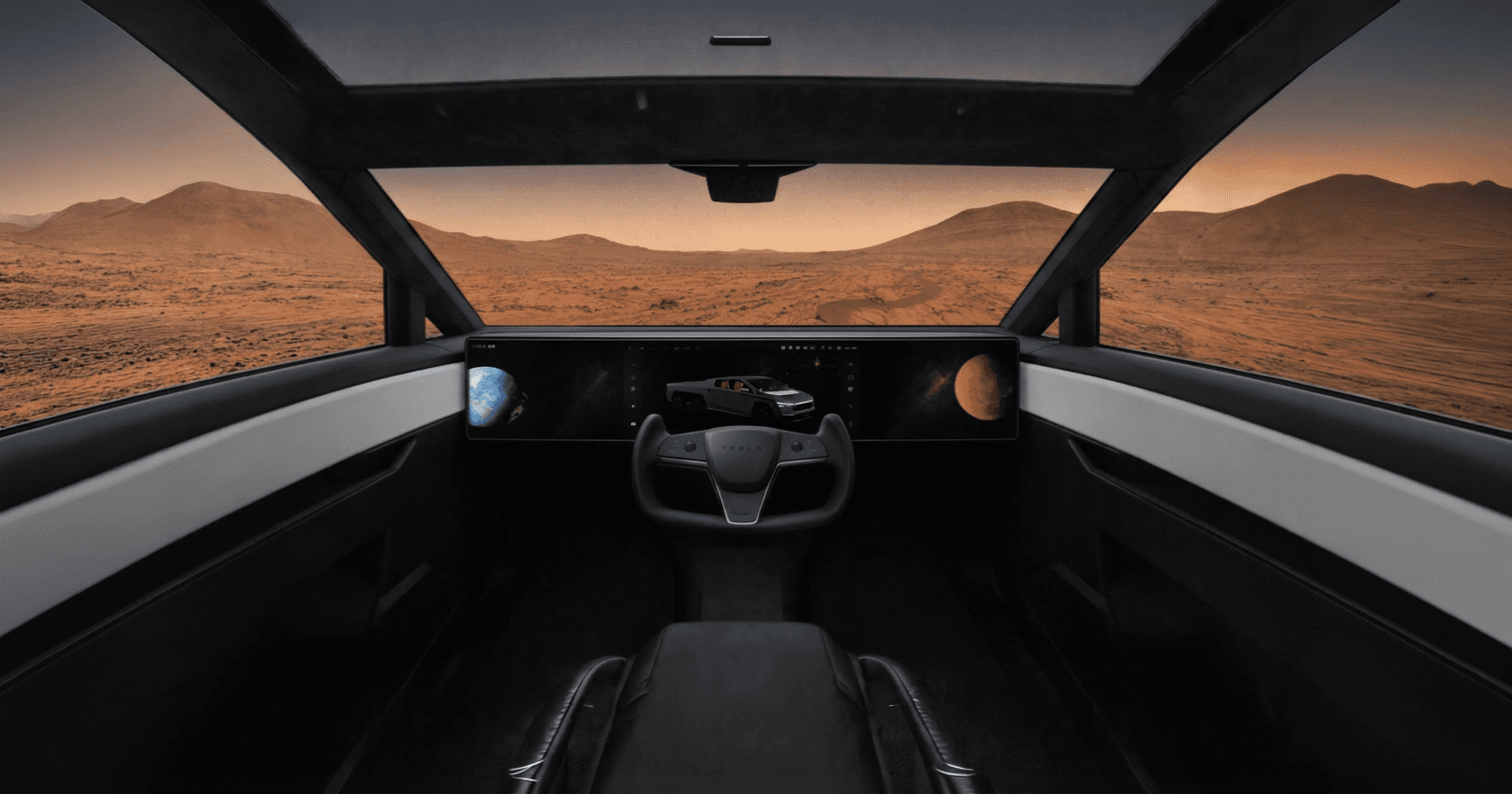

Role
UX Designer
Team
Vaibhav Doifode - UX (Myself)
Duration
1 Week


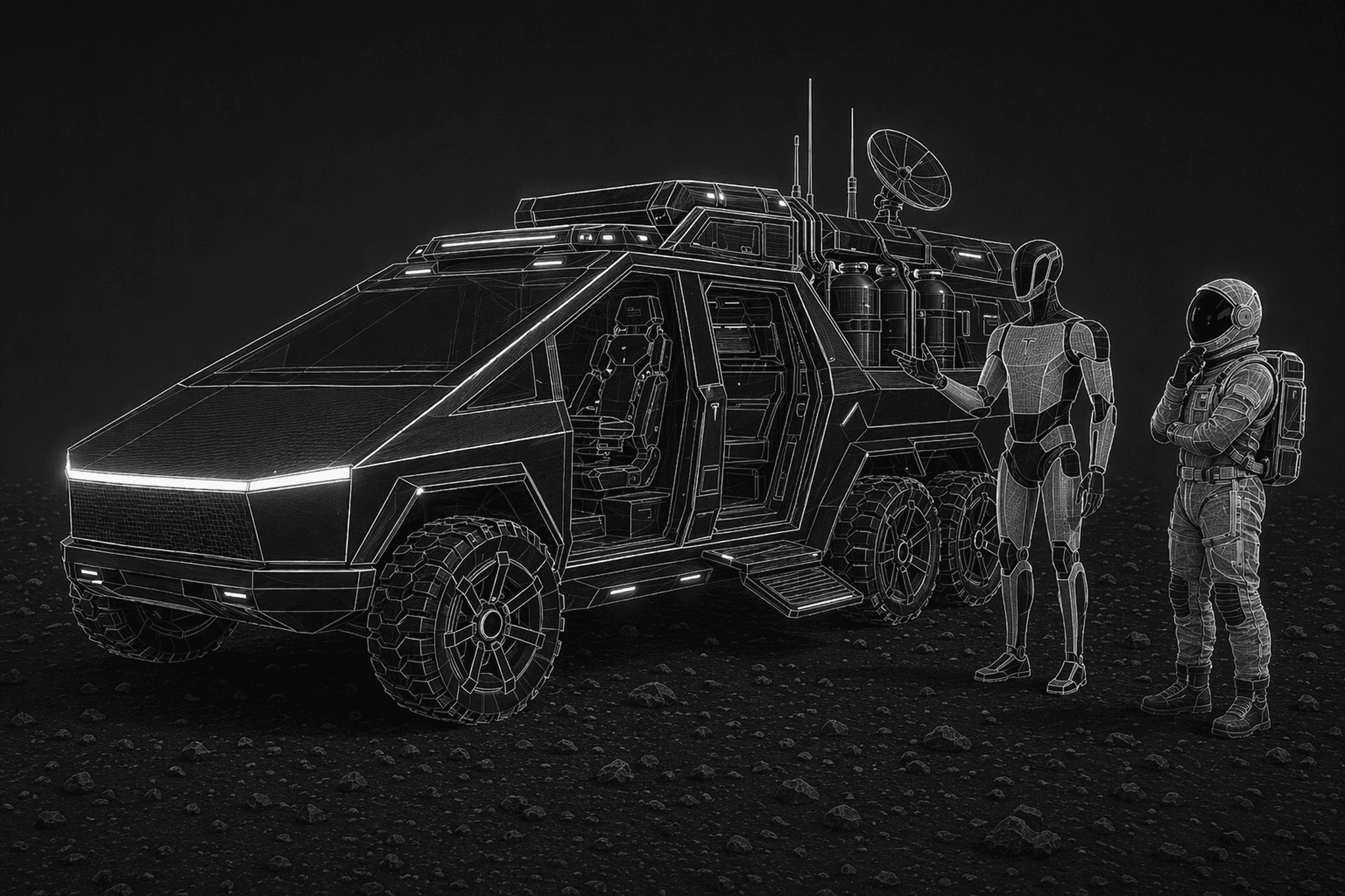
Assumptions set before starting
with research and designing interface
Time Period:
Year 5-10
Early establishment phase.
Settlement Type:
Scientific research & Resource extraction (water ice, minerals)
Charging Infrastructure:
Solar Stations + Supercharg Stations
This Means for the Rover:
Rugged Built for function & Survival-first design
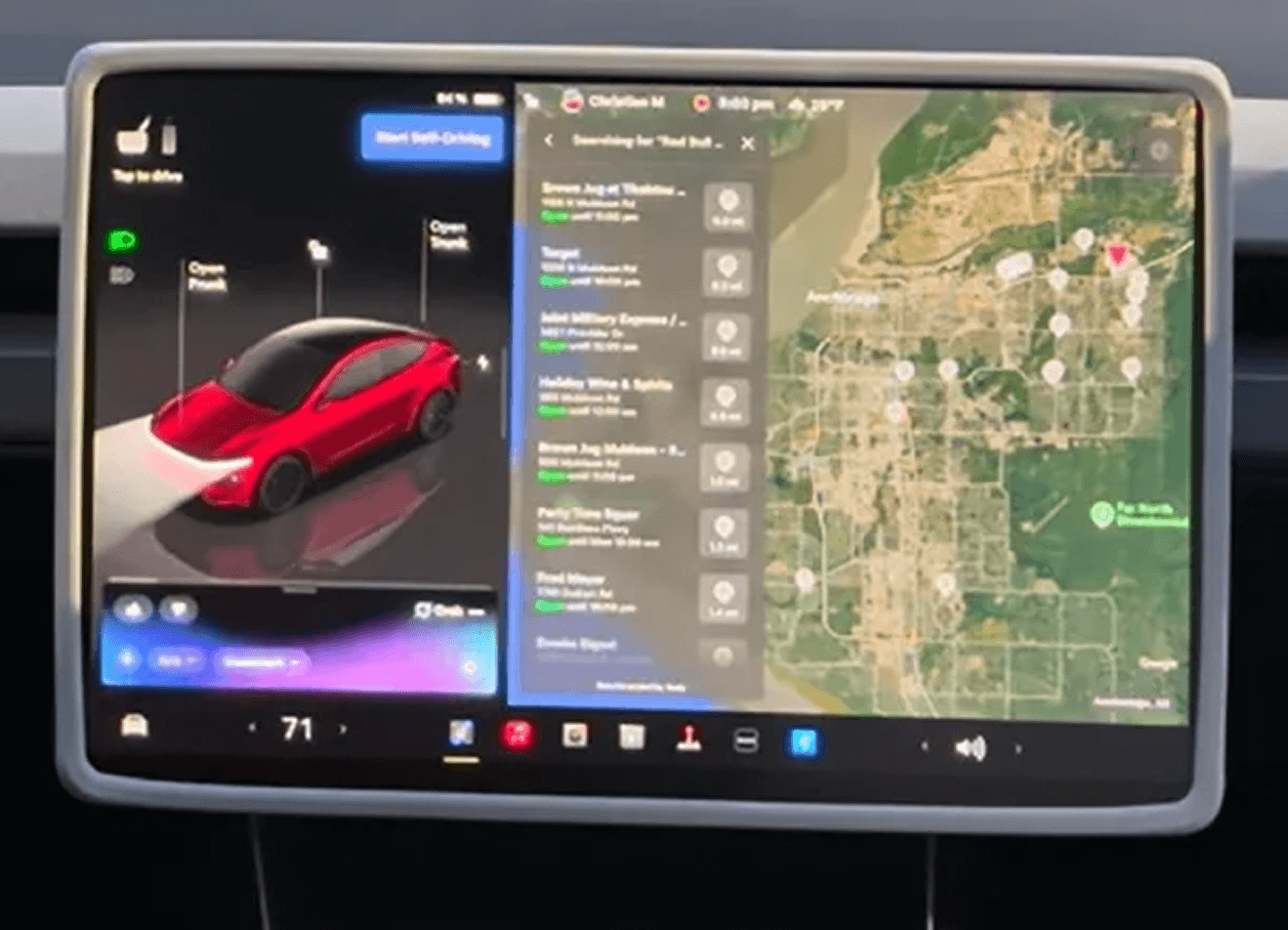
As of April 2026, there are two main ways to start navigation to a charging station on Tesla infotainment.
Option 1: Voice command
The fastest method is voice.
Just say, “Hey Grok, find the nearest charging station.”
The system quickly finds a location and starts the navigation flow.
OR
Option 2: Manual flow
The manual path takes about 5 clicks before navigation begins.
Click 1
Tap Navigate
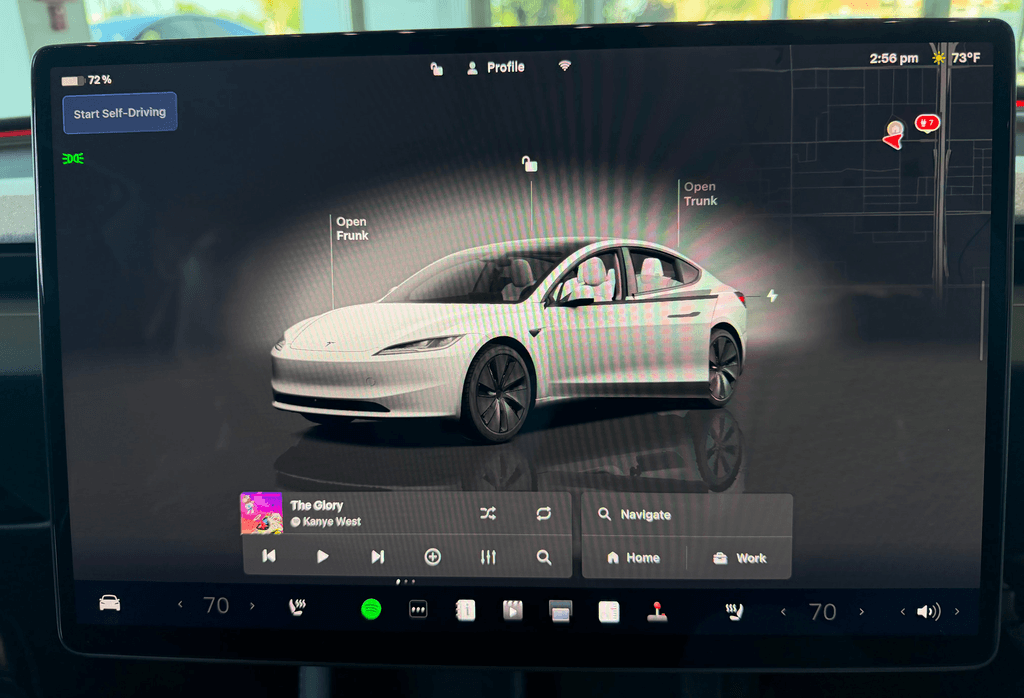
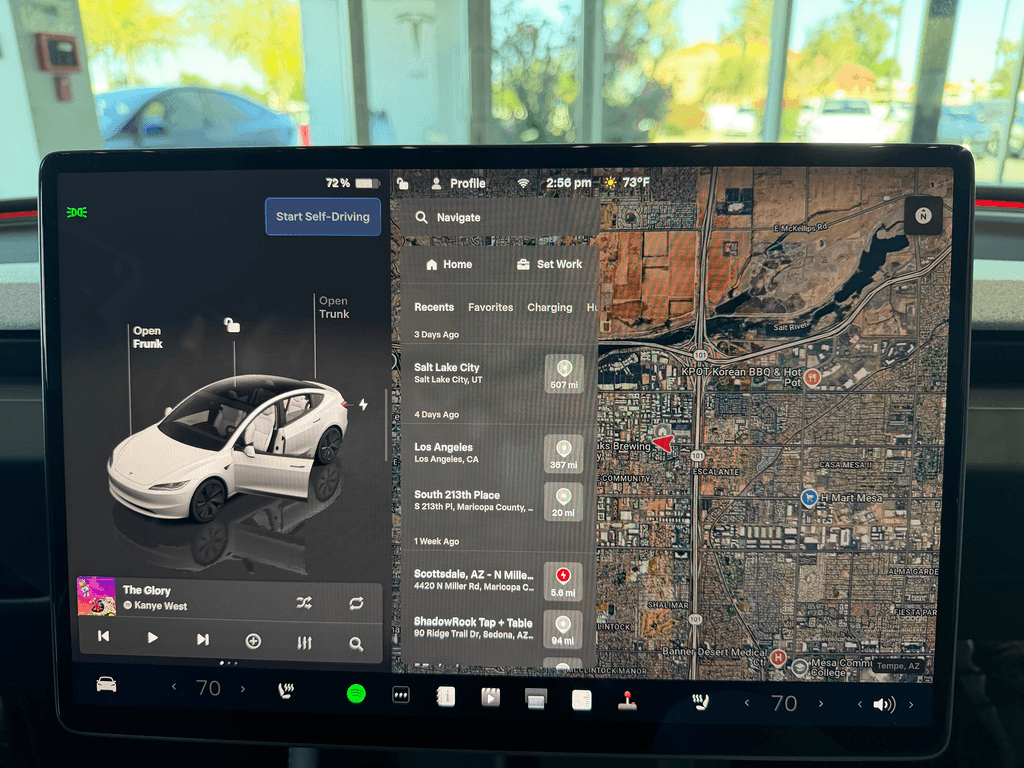
Click 2 + Scroll
Tap the screen so the keyboard disappears, then scroll through the horizontal category tabs until you find Charging
Click 3
Choose between a Regular Charging Station or a Supercharger.
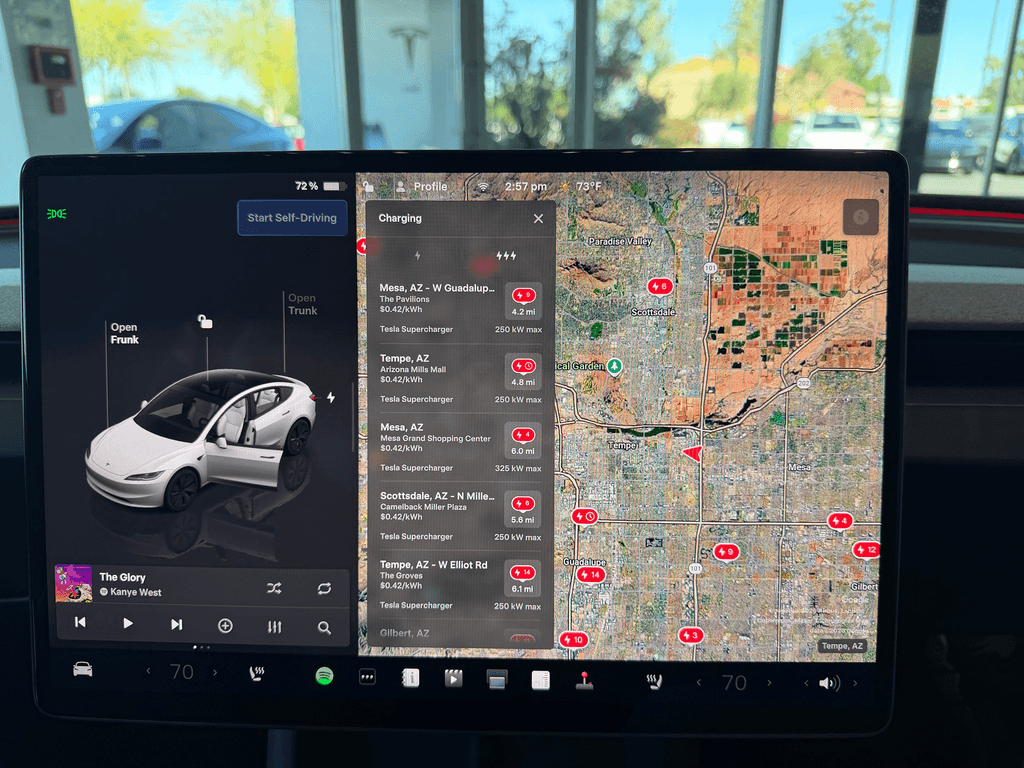
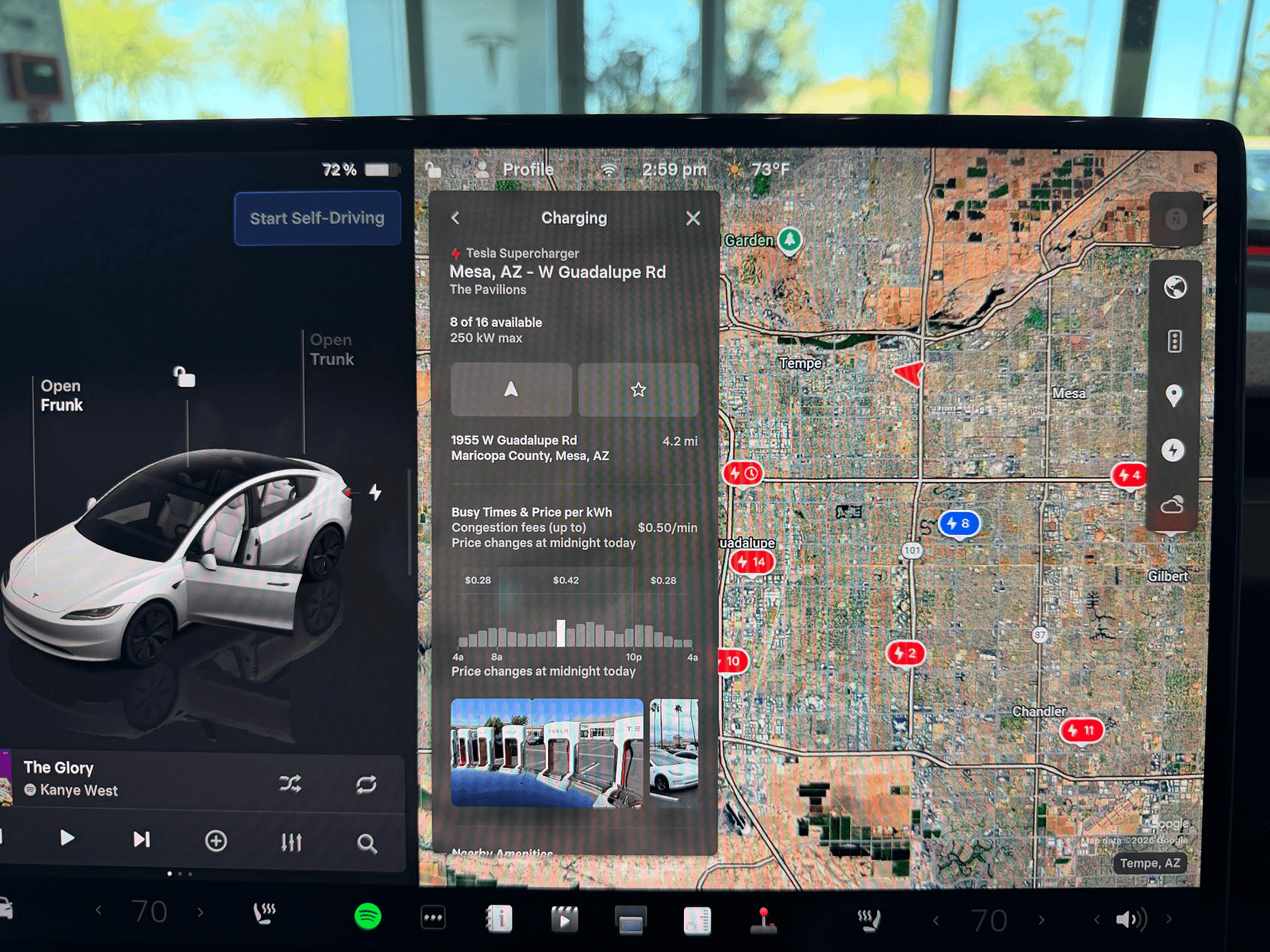
Click 4 + Scroll
Tap the Navigate icon to begin route guidance
You can also scroll first to review nearby amenities before starting the trip
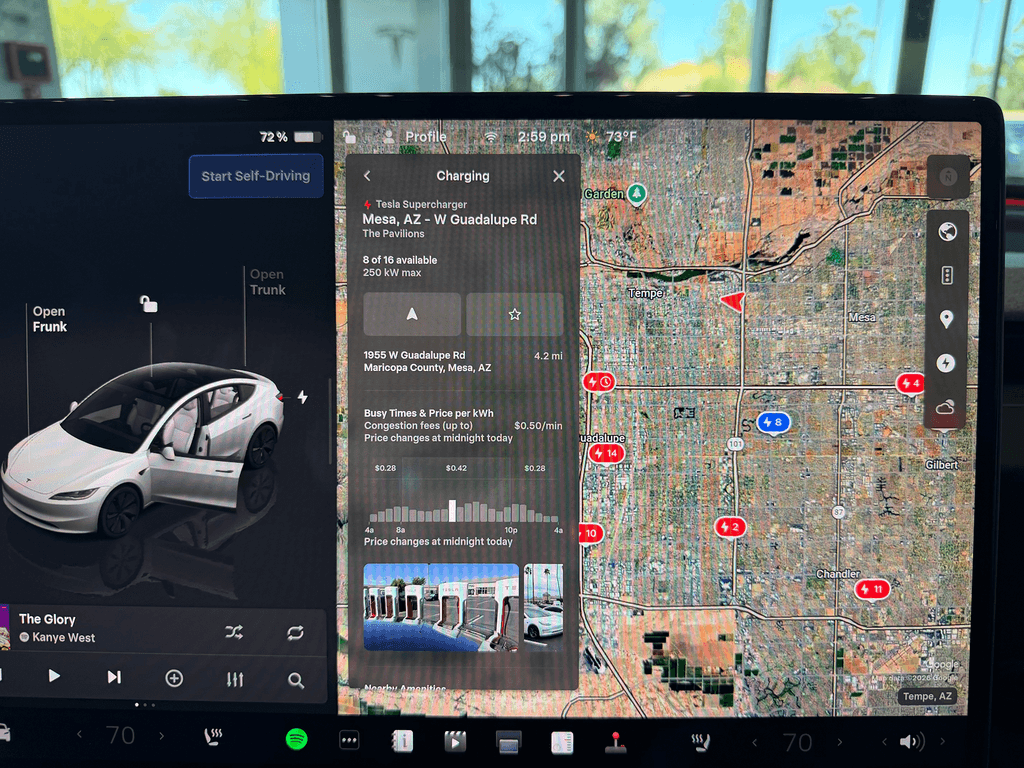
Finally Navigation begins
AAA is North America’s largest motoring and travel organization, serving more than 57 million members. It offers travel, insurance, financial, and automotive services, while advocating for traveler safety and security. Its mobile app helps users plan routes, check gas prices, find discounts, book hotels, and access roadside assistance.
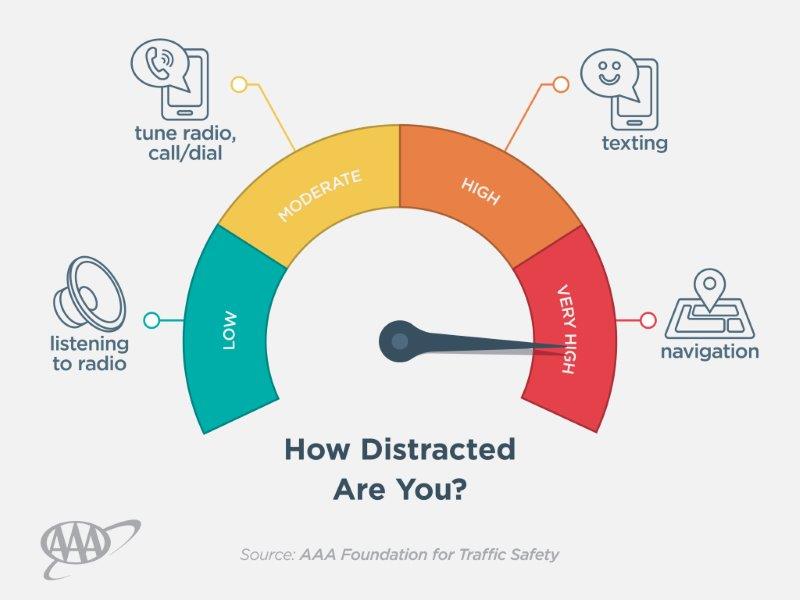
Yes, navigation is one of the biggest sources of distraction inside the cabin, and the challenge is to make that experience as seamless as possible.
"Why does my Version 1.0 design look 80% exactly like the earth interface?"
I stepped back and viewed my own work from a 3rd person perspective. This forced me to confront an uncomfortable truth: I was unconsciously copying Tesla's constraints without validating whether they actually applied to my use case.
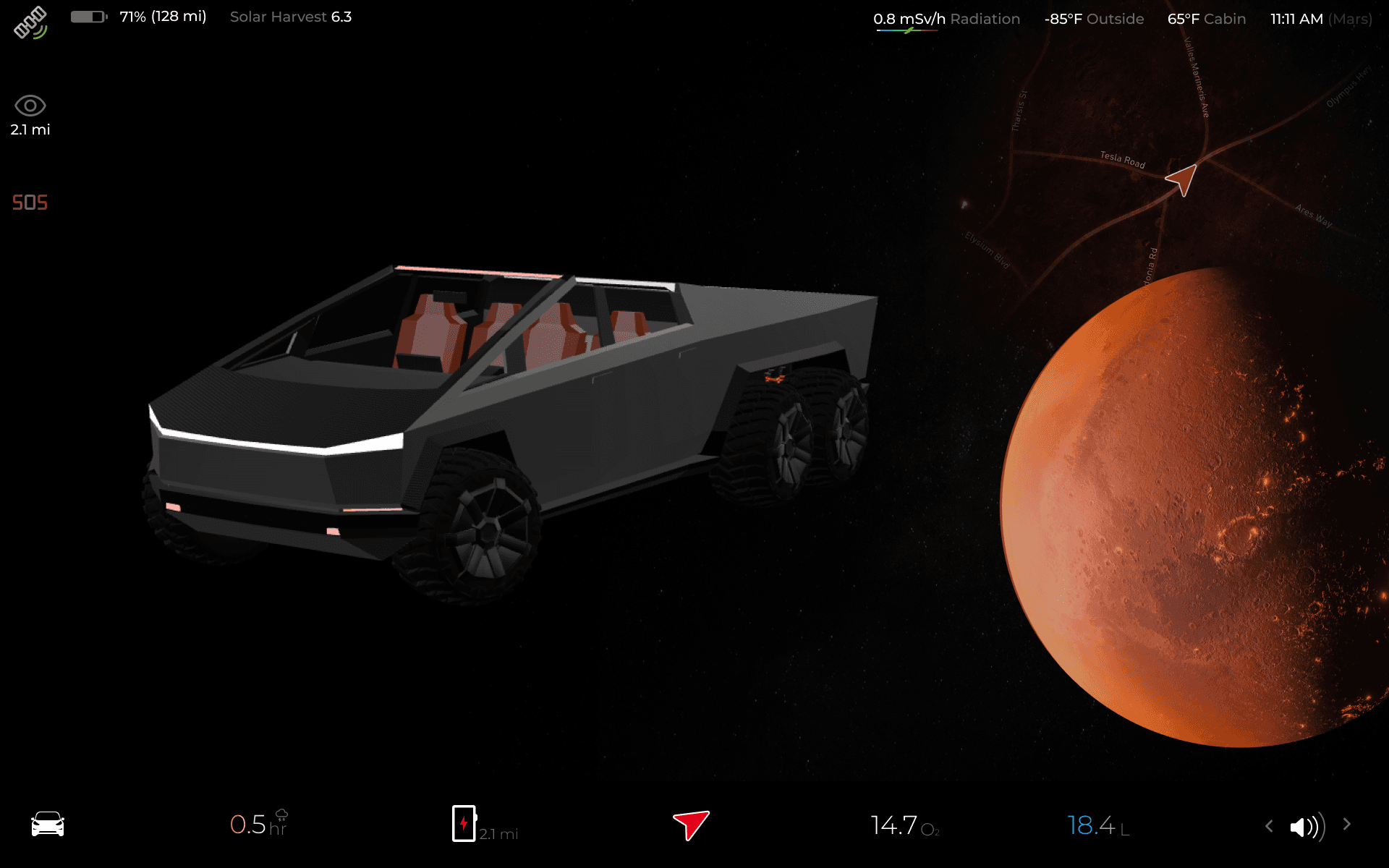
The first principle which got me to Version 2.0
I asked myself from 3rd POV why do my design look 80% exactly like the current design?
and i started digging with WHY? to reach the bedrock of this issue


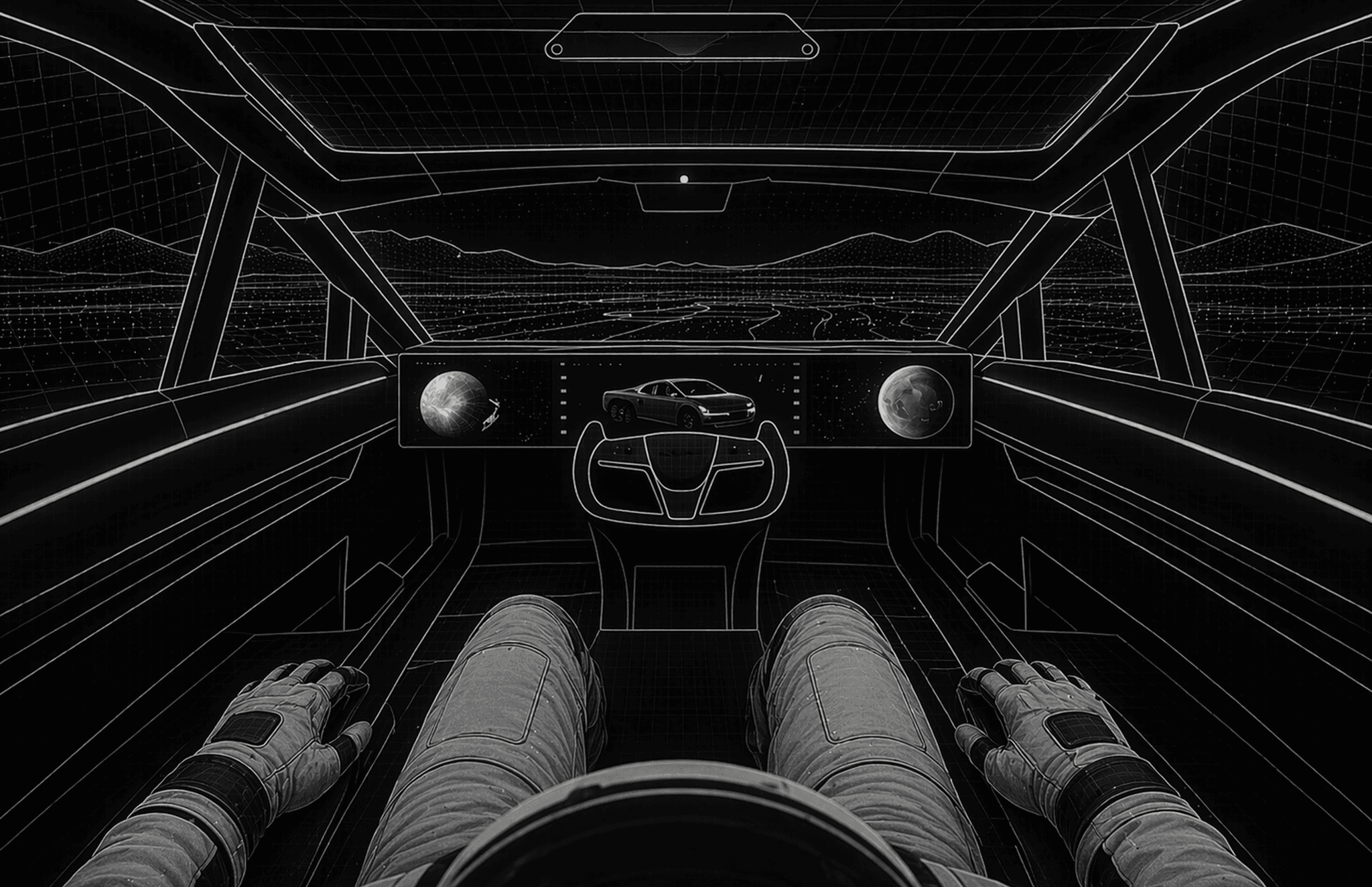
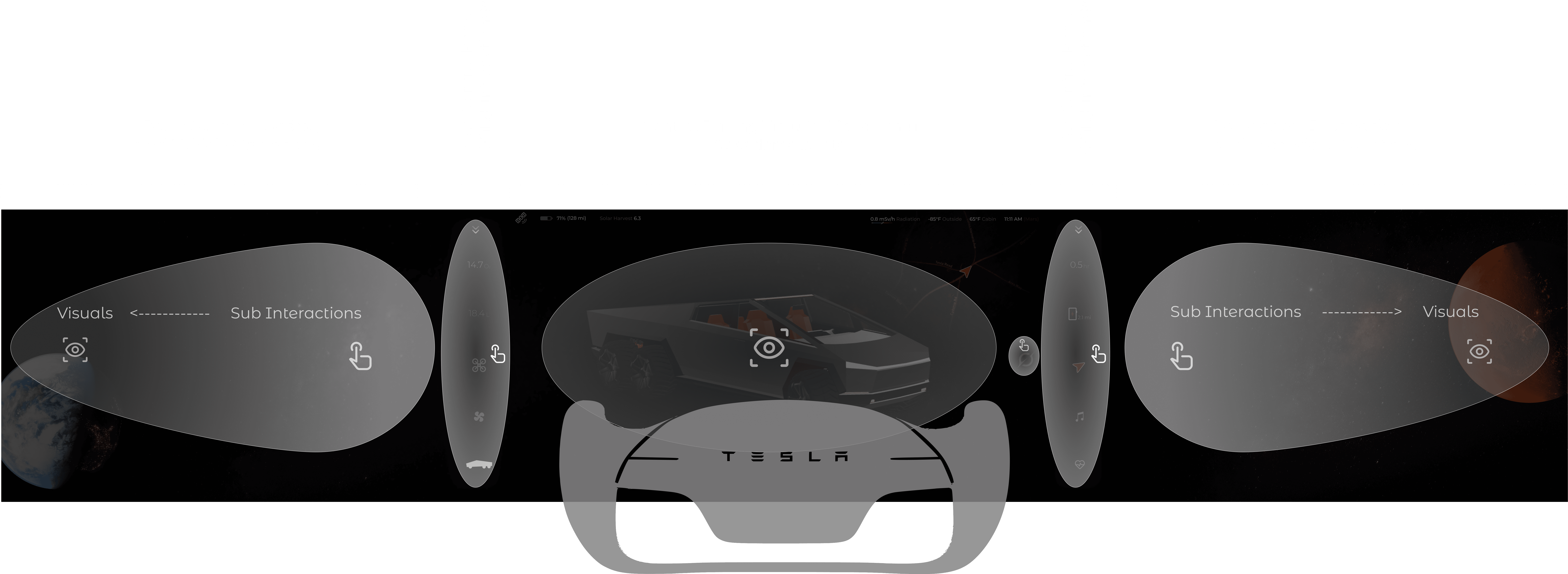
Fig: Placing key interactions closer to the steering area reduces saccadic distance, head rotation, and fixation time away from the path, helping the driver return their gaze faster.
THE REAL ISSUE
"Because I inherited assumptions without questioning them."
I was designing for a Mars rover/Cybertruck variant but applying passenger-vehicle constraints. I never asked: Do these constraints actually exist in my vehicle type?
SURFACE LEVEL
"Tesla uses one infotainment system across all vehicles."
This is the common assumption everyone accepts as fact in the automotive industry.
↓ Why?
LAYER 1
"Because it's economically efficient to standardize the UI."
Standardizing the user interface reduces development costs, maintenance overhead, and training complexity across the entire fleet.
↓ Why?
LAYER 2
"Because all vehicles don't have the same dashboard—there's limited real estate."
There are only 2 seats in front, and the only available space is between and behind the steering wheel. This physical constraint forces a single-display solution.
↓ Why?
LAYER 3
"Because passenger safety and ergonomic standards require this layout."
Regulatory requirements, steering wheel positioning, and the need to keep the driver focused on the road dictate the current architecture.
↓ Why can't we reuse them?
LAYER 4
"Because we've never questioned the two-seat assumption."
No physics law prevents multiple displays. No engineering impossibility exists. It's simply... habit.
The Realization
The Framework
The Solution
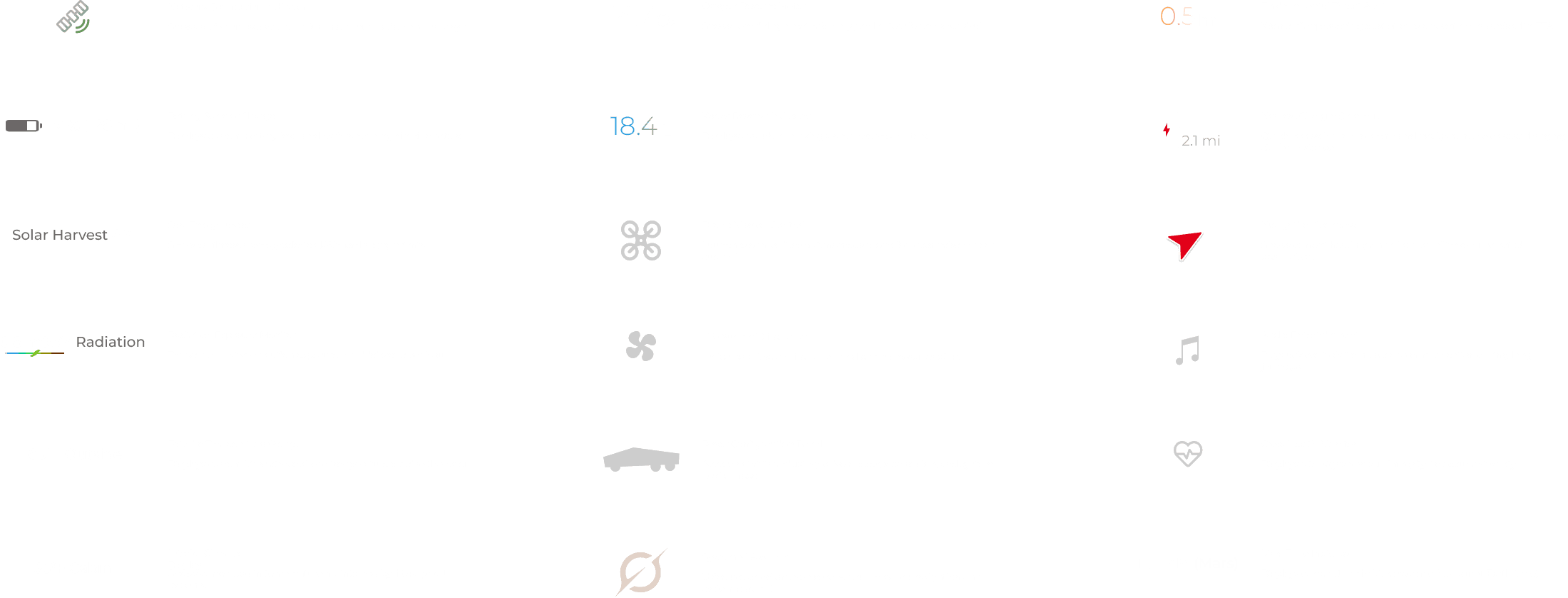
One wide display divided into 3 sections:
Right: Navigation
Center: Diagnostics & control
Left: Cargo & system
Why It Works
Removing the two-seat assumption unlocks infotainment real estate. Pure, purposeful design built on actual rover needs—not borrowed passenger-vehicle constraints.

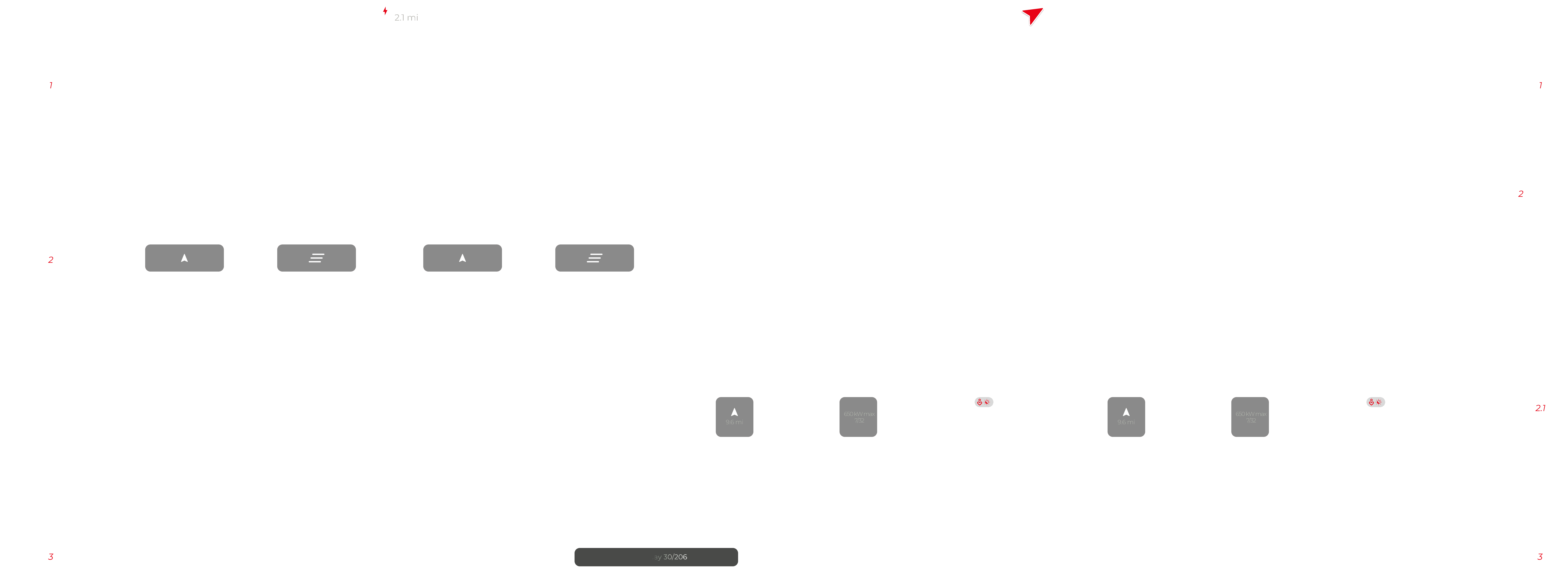
User flow how a 5 click flow brought to 3 clicks
Proximity & Accessibility
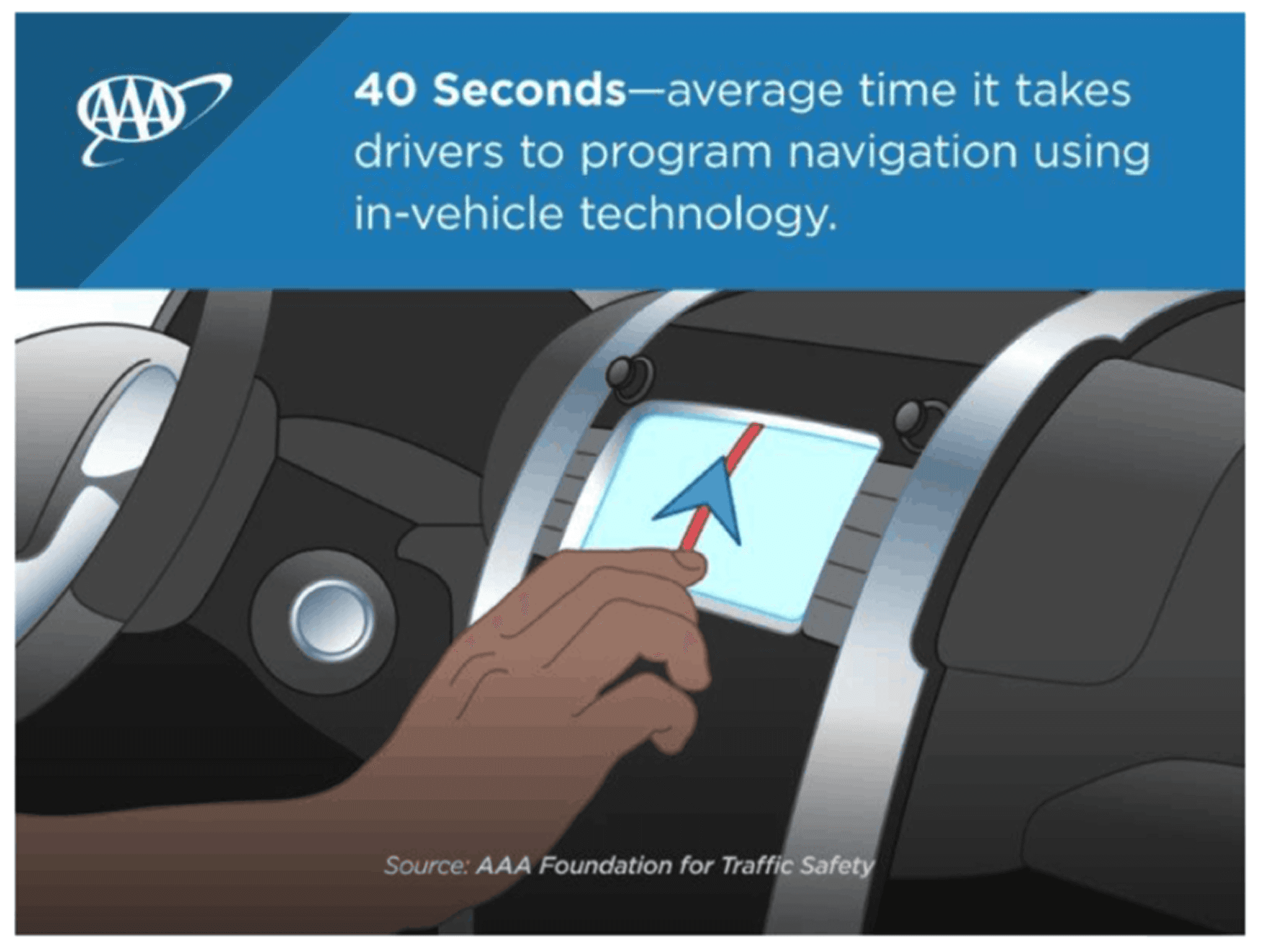
Controls positioned near the steering wheel reduce interaction time. AAA research shows drivers distracted for 40+ seconds programming navigation. Closer controls minimize dangerous distraction periods.
Cognitive Load & Consistency
Consistent zones (navigation right, safety left) reduce cognitive demand through muscle memory. AAA data: removing eyes from road for 2 seconds doubles crash risk. On Mars terrain, 4-second distraction causes incidents.
Real Estate & Usability
Large buttons reduce misclicks. AAA found 23 of 30 vehicle systems generated high demand due to cramped interfaces. Unrestricted space eliminates cognitive overload.
Design Philosophy
Core driving tasks only—no unrelated functions. Follows NHTSA safety guidelines. Optimized for minimal cognitive and visual demand.